Embedding your own content in the editor
As explained in the introduction to the editor, the structure consists of rows & columns, which in turn contain content elements. By embedding external content you can now add entire rows including columns and content from your own system.
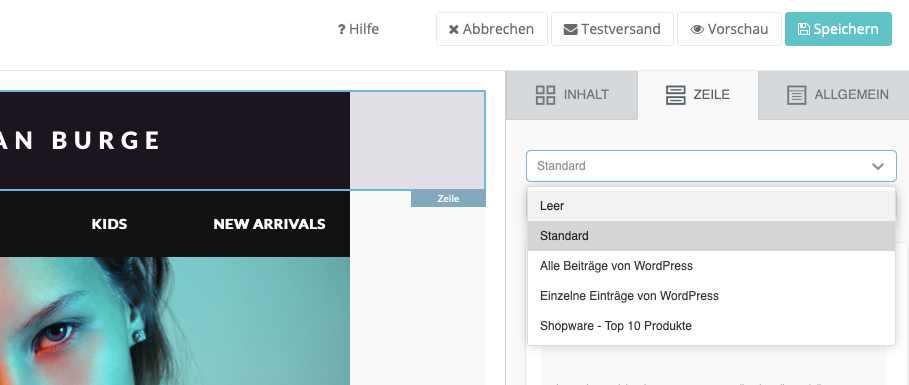
Examples of your own content
Blog updates and news
Take over content from different platforms such as WordPress, Contao or Joomla. This saves you time and reduces the errors that otherwise occur when copying and pasting text, links and images manually.

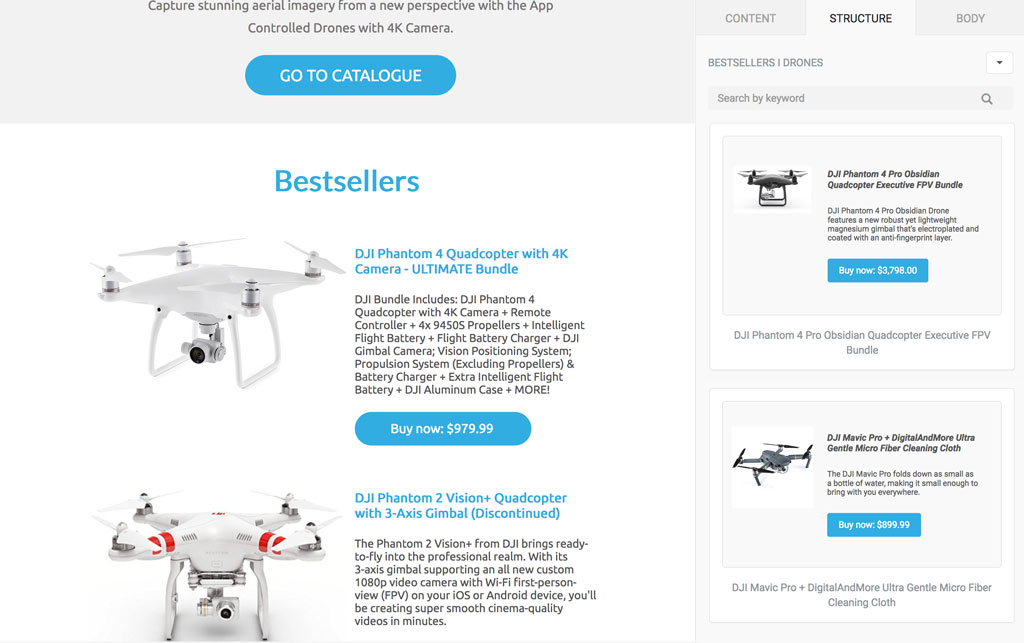
E-commerce products
Take over products from your e-commerce shop directly into the editor, including product images, descriptions, prices and buttons, with just a few clicks:
Predefined content from your CMS/CRM etc.
Do you use your own content management system (CMS) or customer relationship management system (CRM) to maintain customer data and content? This content can also be embedded in the editor. Text blocks, for example, can be integrated directly and ensure consistent communication when sending marketing newsletters or transactional emails. Talk to us!
How can I embed my content?
If you would like to use this function (see pricing (opens in a new tab)), please contact our support team (opens in a new tab) with the following information:
- your customer number
- type of connection (blog, e-commerce shop or other software)
- URL of the RSS feed or e-commerce shop
The integration of your content includes the following services:
- definition of which content is to be shown in the editor
- definition of the layout (including the number of columns and content elements)
- technical implementation and testing
- support during the term of the contract